Social engineering exploits human psychology, and no technology can fully defend against it as long as passwords remain part of the equation. Threat actors routinely use social engineering to bypass Two-Factor Authentication in several ways:
Link Layers Newsletter
Stay Secure. Stay Updated.
Your Security Matters: Understanding Two-Way Authentication
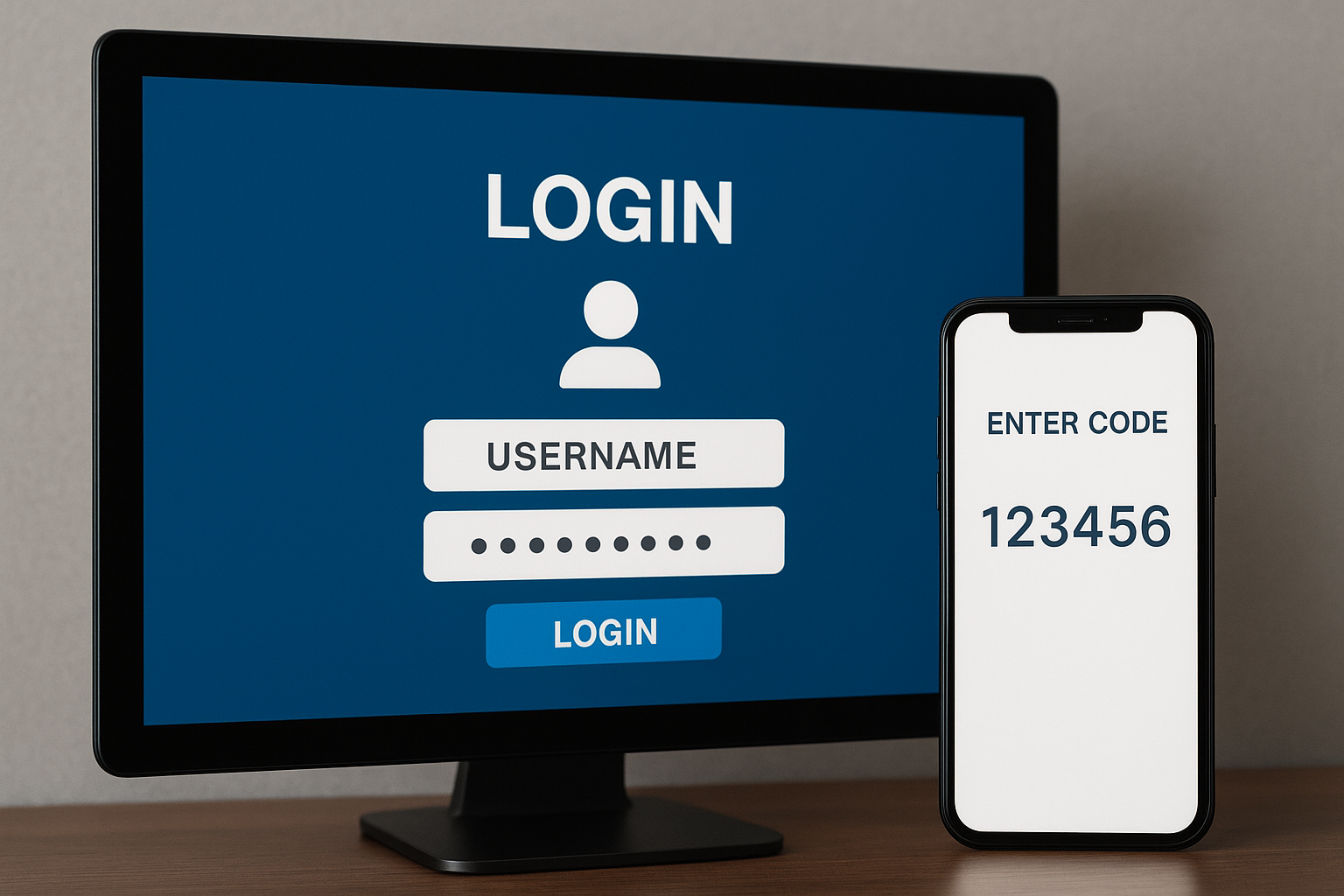
Passwords alone are unsafe:
As long as passwords remain part of the authentication process—and the foundation of most login systems—adding extra layers of identity verification becomes a band-aid solution at best. Both Two-Factor Authentication and traditional Multi-actor Authentication overlook the root cause of many breaches: passwords themselves and the risky ways humans create, reuse, and manage them.
In this email, we’ll explain the common techniques threat actors use to bypass Authentication.
Two-Factor Authentication is not a cure-all:
Adding a second step made logins significantly more secure than relying on passwords alone—but it still isn’t enough to stop today’s hackers that fuel advanced social engineering and phishing campaigns. To keep up, IT and security teams introduced additional layers, evolving two-factor authentication into modern multifactor authentication (MFA). Each added step improves identity verification, yet phishing threats continue to adapt and persist.
How Attackers Exploit Human Behavior
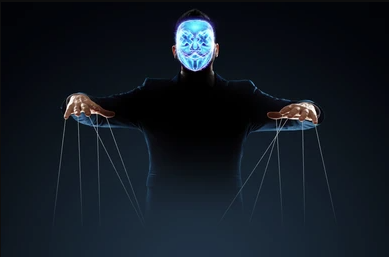
Scenario one: The hacker gains user credentials
- The hacker sends a warning message to the user, something along the lines of, “Your user account has been accessed from a suspicious IP address. If the IP does not belong to you, please reply with the verification code sent to your number.”
- At the same time, the hacker uses a username and password to log into the targeted service.
- The service provider sends a 2FA code to the connected device, thinking that the request came from the user.
- The user responds to the fake warning message with the verification code they just received.
And just like that the hacker bypasses the second step of Two-Factor Authentication.
Scenario Two: The hacker has no credentials but still goes phishing
If the hacker does not know the username, password, phone number or verification code, they can still use social engineering and phishing attacks to get what they need:
- The hacker creates a persuasive email that looks like it’s coming from the targeted service.
- The email has a link that looks real. The user clicks the link and gets taken to a fake login page.
- The user attempts to login on the fake page and serves up credentials that the hacker can use to simultaneously sign in on the real site.
- The real site sends a verification code to the number associated with the legitimate user and the user promptly enters the 2FA token on the fake login site.
- The hacker take the code and uses it to complete login on the real website.
There you have it, the hacker bypassed the second step of Two-Factor Authentication
The Weak Link in SMS Authentication
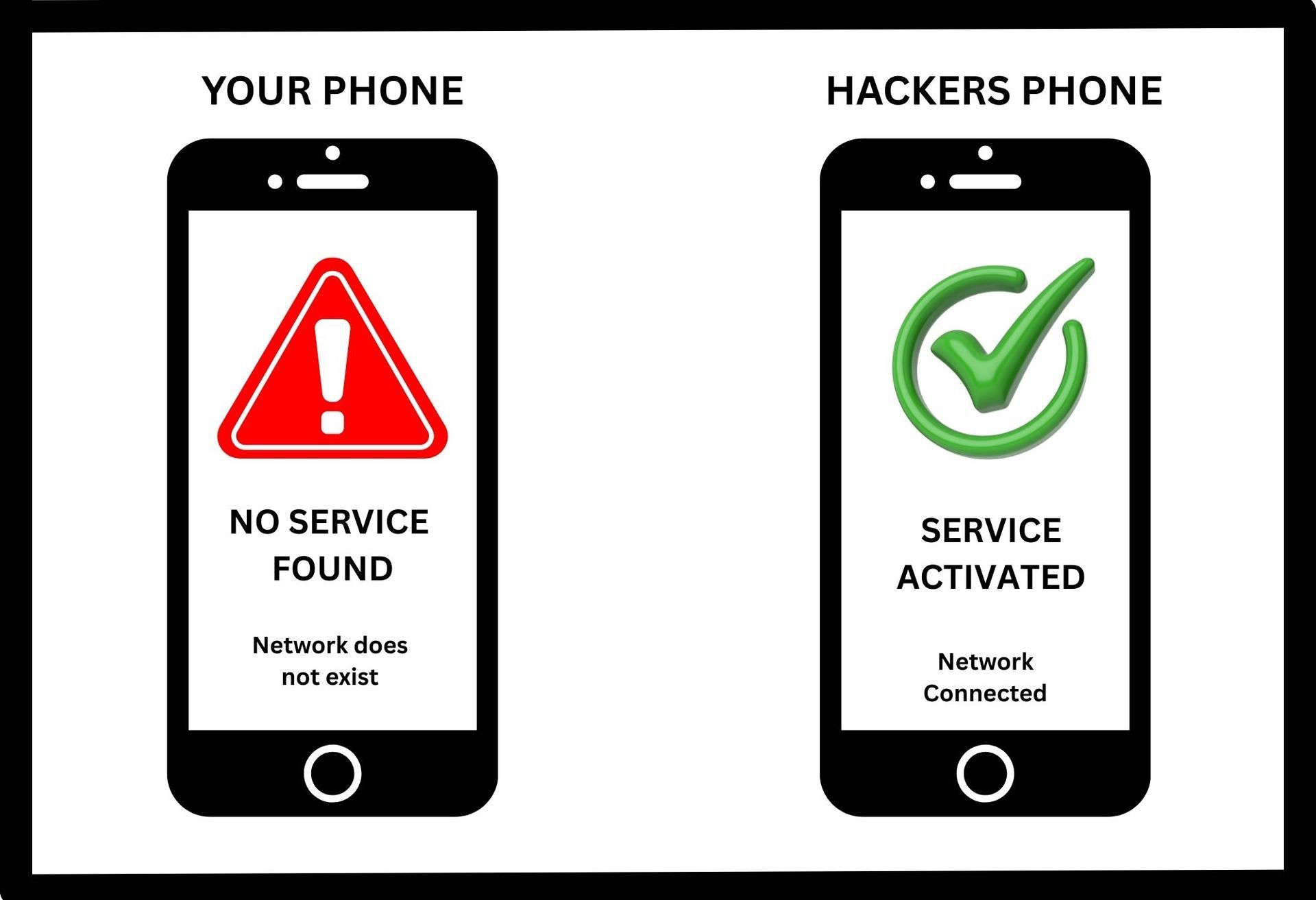
Hackers bypass two-factor authentication on cell phones primarily through SIM swapping:
SIM swapping is a type of account takeover attack in which a hacker tricks a mobile carrier into transferring a victim’s phone number to a new SIM card the hacker controls. By impersonating the victim—often using stolen personal information—the attacker convinces the carrier to “port” the number. Once the number is hijacked, the hacker begins receiving all SMS messages meant for the victim, including one‑time passwords, which can then be used to break into accounts and services tied to that phone number.
For stronger security, it’s best to use two-factor authentication through an app like Google Authenticator or Microsoft Authenticator
We are excited to announce that we're launching Saas (Software as a Service) Alerts, a powerful new security feature designed to protect your business in real time. This instant alerting allows us to respond immediately, ensuring threats are identified and contained before they become a problem. It's an added layer of protection that keeps your data secure and your business running safely.

Merry Christmas and Happy New Year! I hope you enjoy a joyful holiday season filled with peace and celebration. Thank you for your continued partnership—I'm looking forward to working together in the year ahead.

Staying One Step Ahead - Together

Wishing You a Safe & Happy Fourth of July As Independence Day approaches, all of us at Link Layers wanted to take a moment to wish you and your family a safe, relaxing, and joyful Fourth of July. In the fast pace of business and technology, it's easy to get caught up in deadlines, projects, and the day-to-day demands of work. Holidays like this serve as an important reminder to slow down, spend quality time with the people who matter most, and create memories that last far longer than any to-do list.
Cover your Saas

AI Advancements
Data Backup & Disaster Recovery
Online Security
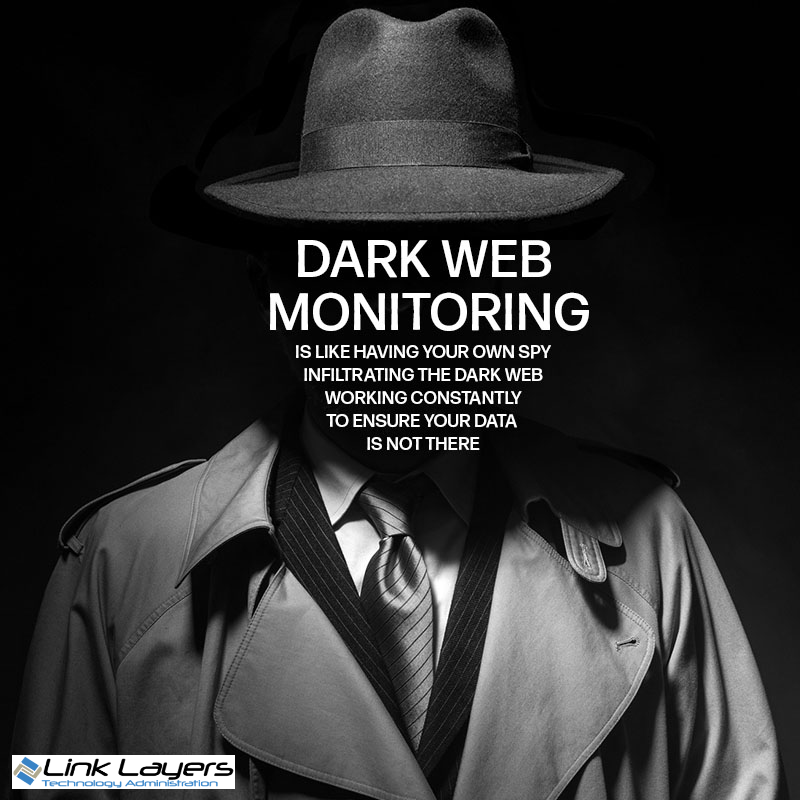
Another Layer of Protection Added to Our Stack

Stay Safe Online Keep your software updated!
Welcome Newsletter Welcome to the Future of IT Support