Link Layers Newsletter
Online Security

In today's digital age, online security is crucial for safeguarding personal and sensitive information. Introduction to Online Security provides insights and best practices to help you protect your digital footprint. By understanding online security, you can significantly reduce the risk of cyber threats and data breaches.
This month we wanted to focus on Microsoft Security and how it can help us strengthen protection across identities, endpoints, email, and cloud services—while improving visibility and reducing risk from modern threats like phishing, ransomware, and account compromise.
Microsoft’s security ecosystem is designed to work together as an integrated platform, which can simplify management and help us respond faster to suspicious activity. Below is a quick breakdown of the key areas it covers and the value it brings.
Endpoint & Device Security
Defender for Endpoint provides strong protection and monitoring across laptops/desktops and can help with:
- Real-time threat detection and automated remediation
- Device risk scoring and investigation timelines
- Attack surface reduction rules to block common malware behaviors
- Centralized endpoint visibility for IT and security teams
Identity & Access Protection
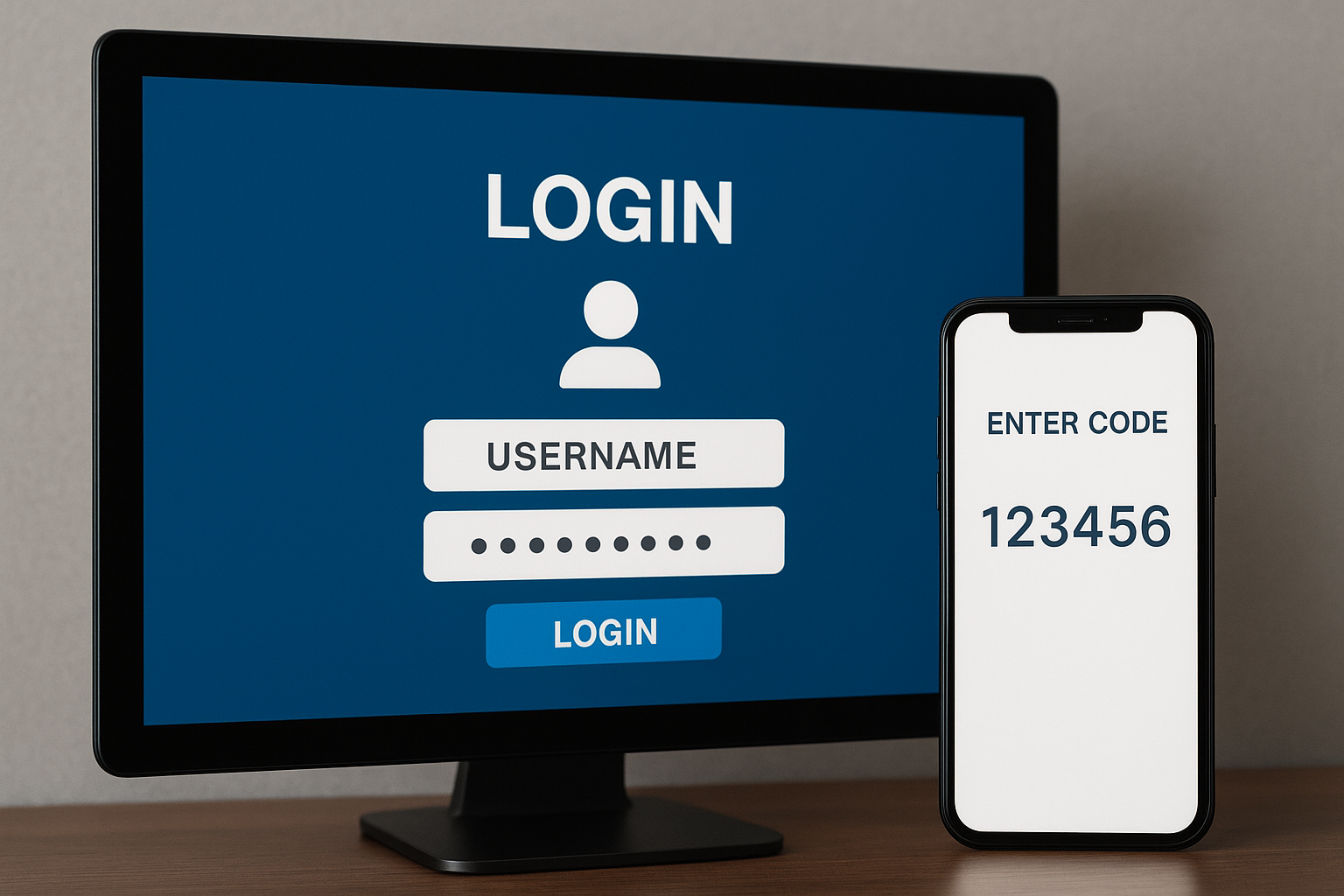
Identity is often the first target in most attacks, especially through credential theft and phishing. Entra ID helps secure user access through:
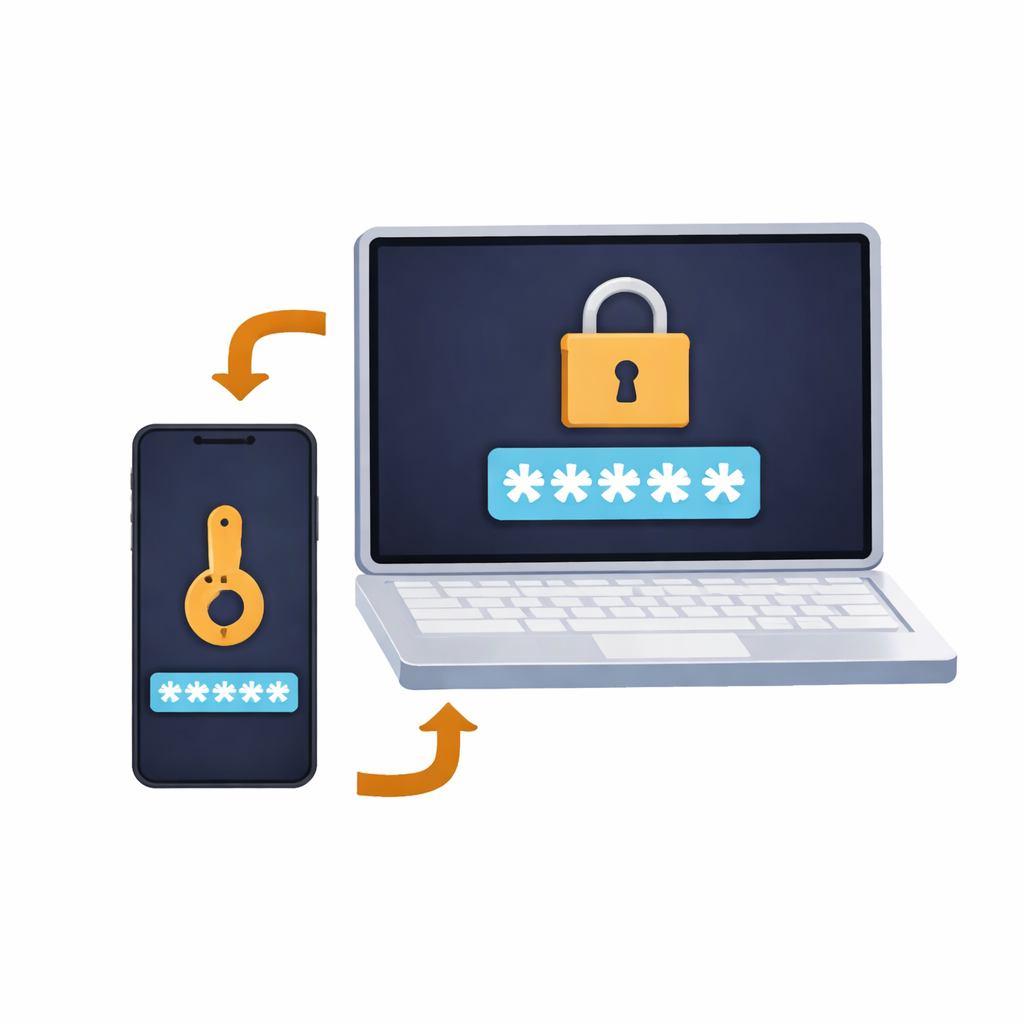
- Multi-Factor Authentication (MFA) enforcement
- Conditional Access policies
- Identity Protection alerts for risky sign-ins and compromised accounts
- Privileged Identity Management (PIM) for controlling admin access
Email & Collaboration Security
Email remains one of the biggest entry points for attacks. Microsoft’s tools can help reduce exposure through:
- Anti-phishing and impersonation protection
- Safe Links and Safe Attachments scanning
- Detection of malicious or suspicious email patterns
- Reporting and investigation tools for faster response
Cloud App & Data Protection
As more work happens in cloud platforms, it’s critical to maintain control over data access and sharing. These tools support:
- Visibility into cloud app usage (including “shadow IT”)
- Data Loss Prevention (DLP) policies to protect sensitive data
- Alerts for risky downloads, sharing, or unusual behavior
- Compliance support for audit and governance requirements
Centralized Monitoring & Response
For organizations that want a full security operations view, Sentinel provides SIEM/SOAR capabilities including:
- Centralized log collection and correlation
- Detection rules and automated response workflows
- Incident management and investigation dashboards
- Better end-to-end visibility across Microsoft and third-party tools
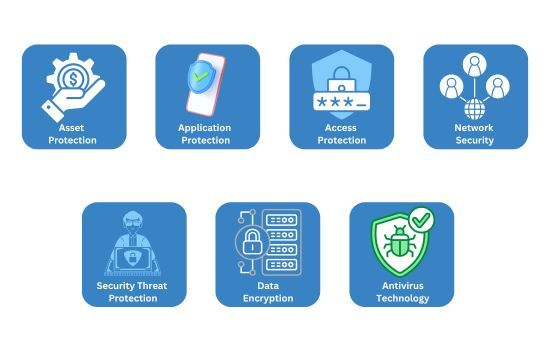
Microsoft Security provides a comprehensive, enterprise-grade framework designed to protect your organization across identities, devices, applications, and data. By leveraging Microsoft’s integrated security ecosystem, you can strengthen your defense posture while simplifying management and reducing risk. We’re confident this approach will help you stay secure, compliant, and resilient in an evolving threat landscape.
-Your Team at The Link Layers